v1.0.6.4
Improved an issue where achievements would not unlock properly.
Fixed mistranslated texts in English, Traditional Chinese, and Simplified Chinese.
Story Recollection is Now Available!: It is now available in the Recollection Room after completing the game.
v1.0.5.1
Steam Deck Support
Adjusted the game so it can be played entirely using only the Steam Deck controls or a gamepad.
When using a gamepad, all keyboard and mouse UI prompts are automatically replaced with gamepad-specific prompts.
CRT Filter
Added a CRT Filter option under Settings → Gameplay.
The filter intensity can be adjusted using a slider.
Other Bug Fixes
Adjusted the movement range of the Walking Penis enemy in its stage.
v1.0.4.3
Optimizations:
Adjusted the Japanese hint text for the clock destination puzzle.
Corrected typos in the Chinese dialogue.
Fixed Korean typos and grammar.
Optimized the slight stuttering that could occur during dialogue.
Bug Fixes:
Fixed an issue where the Lipstick item displayed incorrect answer locations for certain anomalies.
Increased the speed at which the remaining gauge decreases after the climax animation finishes.
v1.0.4.2
New Features
Event Gallery – Ghost H
After clearing the game, you can now view Ghost H scenes in the Event Gallery.
Event Gallery → Next → Ghost H
Auto Play
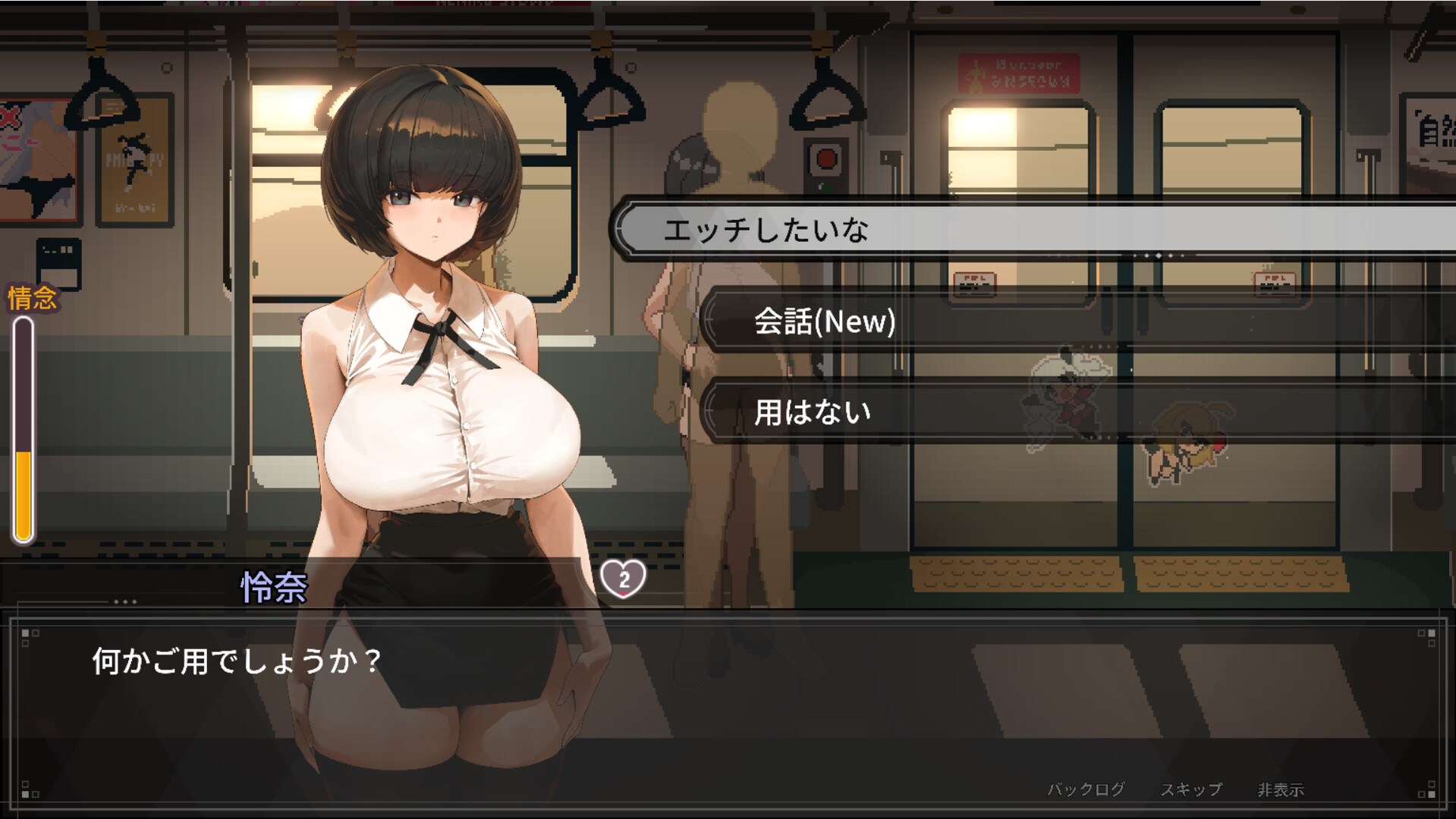
You can now enable Auto Play during dialogue to automatically progress through conversations.
Free H Screen Scrolling (Pan)
You can now freely move around zoomed-in scenes in Free H mode.
Press Ctrl (Gamepad: L3) to toggle Pan Mode, then use the arrow keys or analog stick to move the view in any direction.
Improvements
Fixed an issue where only one controller would be recognized when multiple gamepads were connected.
Corrected several translation errors in both Traditional Chinese and Simplified Chinese.
Balance Adjustments
Adjusted the difficulty of the Torch Stage.
Fixed an issue where players could still be hit by falling icicles after successfully completing the Snow Woman stage’s minigame.
v1.0.2
Added a New Gameplay Tab to the Options Menu
A dedicated Gameplay tab has been added to the top of the Options menu for gameplay-related settings.
Added Train Announcement Frequency Setting
You can now adjust how often train announcements are played.
Available options: Standard, Extended (3× longer interval), Off
Added Toggle for Exploration Failure Hints
You can now enable or disable the hints that appear after a failed exploration attempt.
Expanded Affection Bonus Item Effects
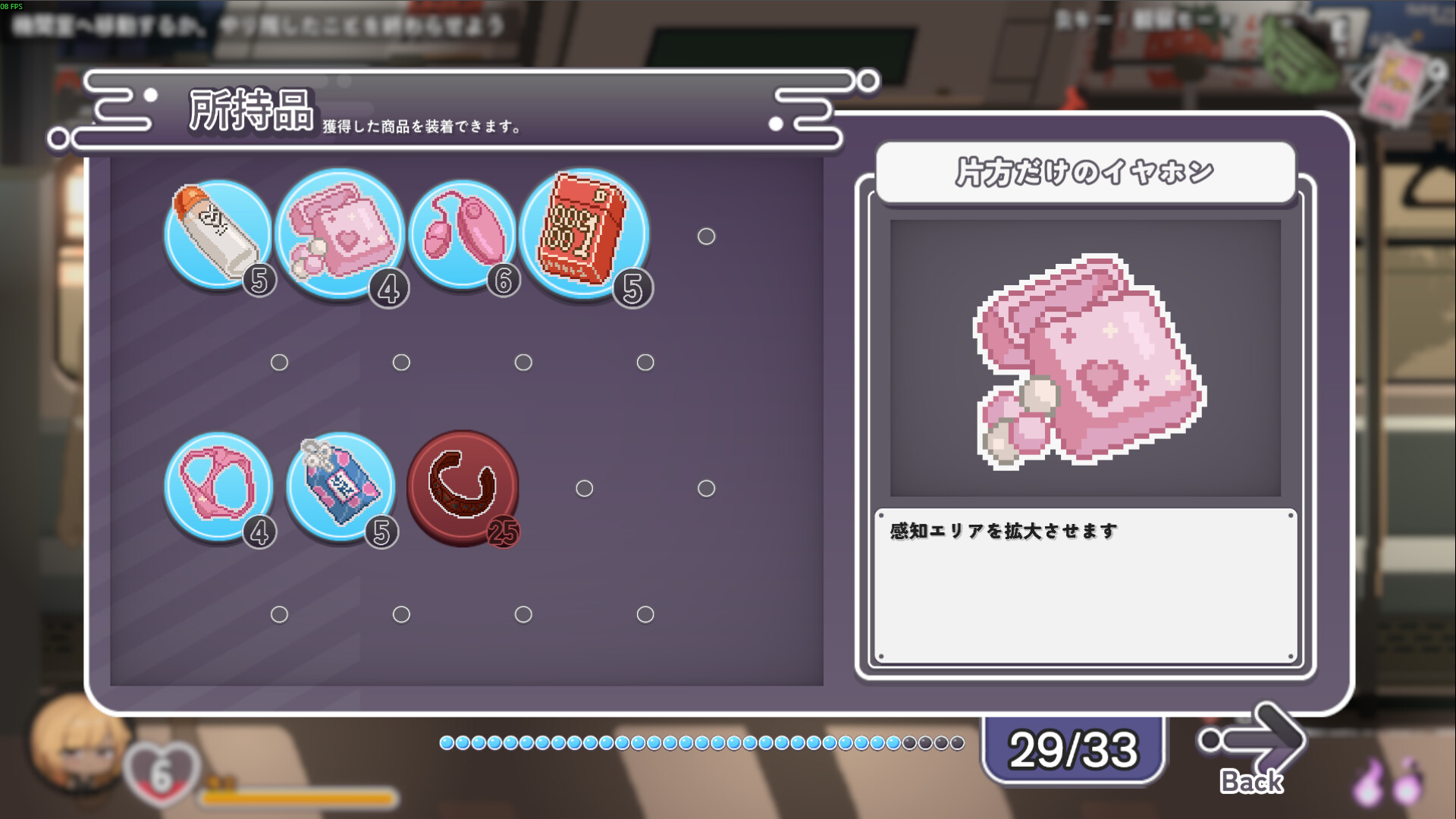
The Spare Panties item now grants its affection bonus to additional characters.
Improved NPC and Event Interaction Detection
Fixed an issue where, under certain circumstances, the wrong interactable NPC or event could be displayed.
Improved Performance Mode Visuals
Fixed an issue where the glowing effect on Button Routes would not be displayed while Performance Mode was enabled.
v1.0.1
Fixed an issue where repeatedly pressing the dialogue advance key when entering an H scene would cause the next dialogue to resume immediately.
Fixed an issue where the butler’s (owl form) voice did not follow the Voice Volume setting.
-Added the Options menu during dialogue: Players can now open the Options menu by pressing Esc or the corresponding controller button while in dialogue. (The game language can still only be changed from the main menu.)
-Adjusted the unlock timing for the “Lost & Found Center” achievement: Fixed a bug where the achievement would not unlock upon obtaining the final lost item.
-Fixed an issue where the Affection icon would appear during main story dialogue.